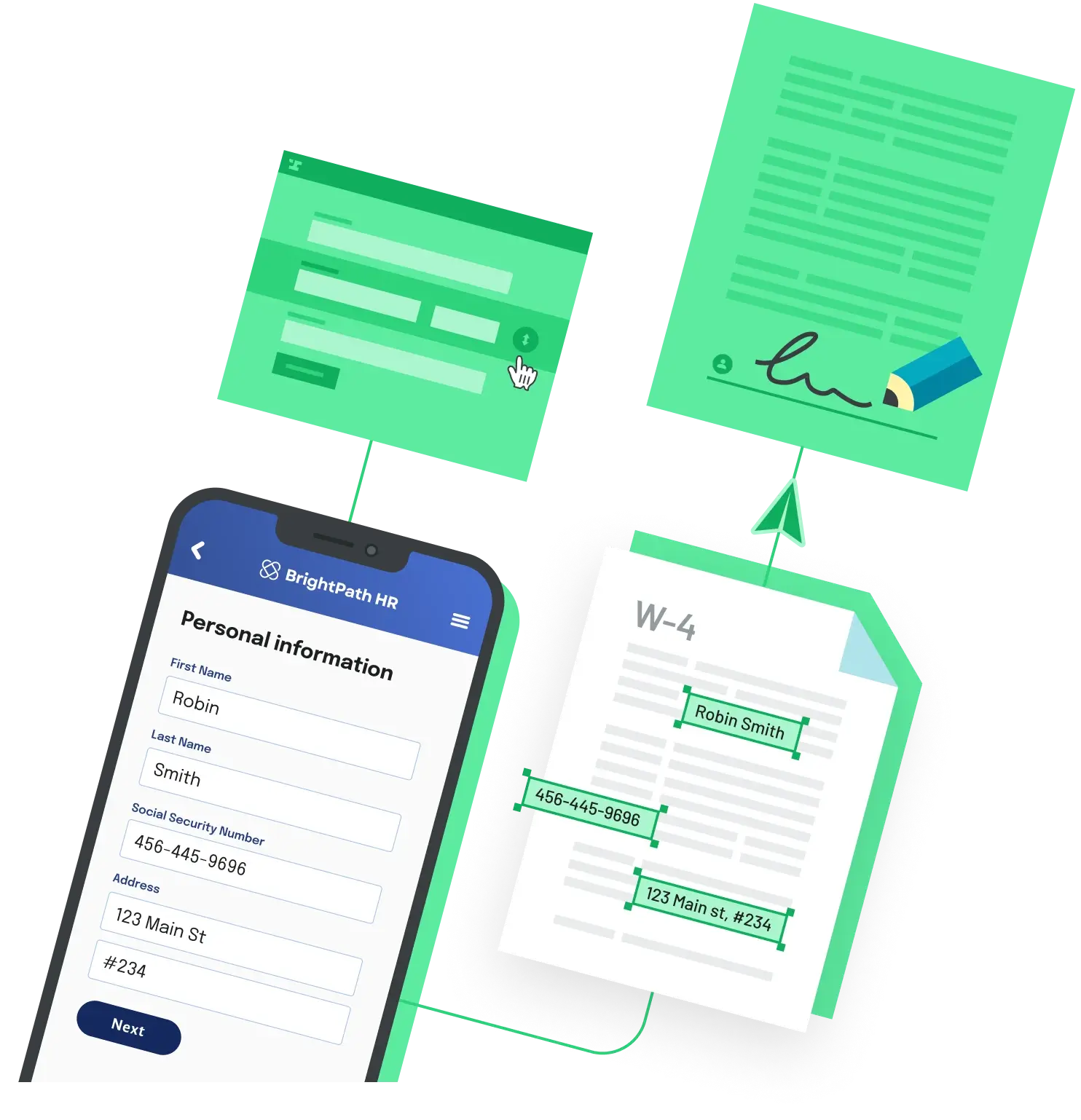
A user fills out an application and clicks Submit once. Your system generates two PDFs, sends two signature requests, or writes two identical rows. The server logs show two POST requests with the same body, a fraction of a second apart.
The cause
Nothing in HTML stops a form from being submitted twice. Each activation of a submit button fires a new submit event and sends a new request, so a double click, a second click while the page is slow, or Enter followed by a click can all send the same data again. Two more paths skip the button entirely: refreshing the page that answered a POST (the browser offers to resend the form) and pressing Back to submit again.
Fix it in two layers: stop the easy duplicates in the browser, and make the server refuse the rest.
Layer 1: ignore repeat submits in the browser
const form = document.querySelector('#application-form');

form.addEventListener('submit', (event) => {
  if (form.dataset.submitting === 'true') {
    event.preventDefault(); // second click, double tap, or Enter press
    return;
  }
  form.dataset.submitting = 'true';
  for (const button of form.querySelectorAll('button[type="submit"]')) {
    button.setAttribute('aria-disabled', 'true');
  }
});

// Back button restores the page from cache with the flag still set.
window.addEventListener('pageshow', () => {
  delete form.dataset.submitting;
  for (const button of form.querySelectorAll('button[type="submit"]')) {
    button.removeAttribute('aria-disabled');
  }
});
Why not just set disabled on the button? Disabled controls are not submitted with the form, and that includes the button that was clicked. If your server reads the button's name and value (action=send versus action=save), disabling it inside the submit handler silently drops that field. aria-disabled only changes what assistive technology announces; the flag does the real blocking.
The pageshow listener matters because a page restored from the back/forward cache keeps its JavaScript state. Without it, the form stays locked after the user navigates back.
Layer 2: make the server idempotent
The browser guard cannot see refreshes, back-button resubmits, or client retries. When you render the form, add a hidden input named submissionKey whose value comes from crypto.randomUUID(), then claim that key before doing any work:
// CREATE TABLE submissions (
//   submission_key uuid PRIMARY KEY,
//   created_at timestamptz NOT NULL DEFAULT now()
// );
async function handleSubmission(db, body) {
  const claimed = await db.query(
    `INSERT INTO submissions (submission_key) VALUES ($1)
     ON CONFLICT (submission_key) DO NOTHING
     RETURNING submission_key`,
    [body.submissionKey]
  );
  if (claimed.rows.length === 0) {
    return { duplicate: true }; // already processed, skip the side effect
  }
  await generateDocument(body); // runs once per key
  return { duplicate: false };
}
Because submission_key is the primary key, only one request can insert a given key. With ON CONFLICT DO NOTHING, the losing request gets no row back from RETURNING, so it skips the side effect. With node-postgres, db can be your Pool. After processing, respond with a 303 See Other redirect to a confirmation page. A 303 turns the follow-up request into a GET, so refreshing the confirmation page does not replay the POST.
Caveats
Generate the key once per page render, not in the submit handler, or every duplicate gets its own key.
If generateDocument throws after the key is claimed, the user's retry will look like a duplicate. Delete the row (or mark it failed) in your error handler so a genuine retry can go through.
Back to All Questions